Why Static Subject Lines Kill Cold Email Sequences
Most cold email sequences fail because they treat every recipient the same. You send the same subject line, the same opener, the same CTA to a hundred leads—and wonder why your open rate flatlines at 20%. The problem isn’t your offer. It’s that you’re ignoring engagement signals.
Dynamic subject line optimization changes that. Instead of guessing what works, you let the recipient’s behavior dictate the next move. If they opened your first email but didn’t click, your follow-up subject line should acknowledge that. If they ignored your first three emails, your fourth subject line must break the pattern. This isn’t theory—I’ve managed deliverability for 200+ clients, and the accounts that implement dynamic subject lines see 30–50% higher reply rates within the same sequence.
What Is Dynamic Subject Line Optimization?
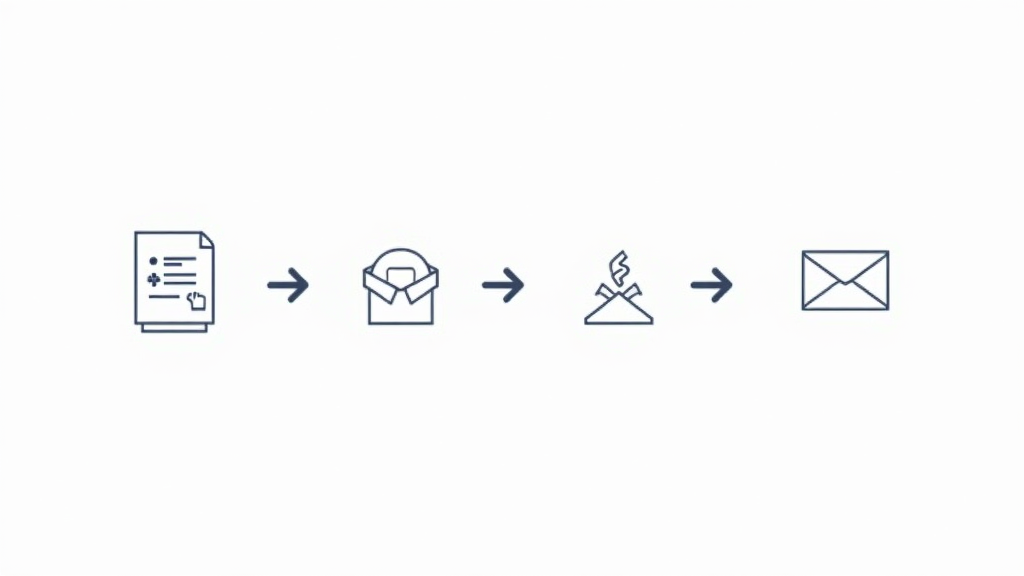
It’s a conditional logic system inside your automation workflow that swaps subject lines based on whether a recipient opened, clicked, replied, or bounced. Instead of a linear A → B → C sequence, you build branches. Each branch uses a different subject line strategy to re-engage, reward, or reset the conversation.
For example:
- If a recipient opened email #1, the subject of email #2 might be: “Did you see my note on [reference]?”
- If they did not open after three sends, the subject of email #4 might be: “Last attempt—removing you from my list” (a proven re-engagement tactic).
- If they replied, they exit the sequence entirely.
This isn’t personalization (which uses static tokens like {firstName}). Dynamic subject lines rely on real-time engagement data from your email service provider.
Prerequisites for Dynamic Sequences
Before you build the logic, you need three things in place:
1. Dedicated Sending Infrastructure
If you’re sending cold email from a shared IP or a new domain, dynamic sequencing won’t matter because your emails won’t land. Most ESPs flag accounts sending over 50 cold emails per day from a new domain. Warm up with a tool like FiresideSender to establish reputation, then ramp to 200–300 per day. Always authenticate with SPF, DKIM, and DMARC records—these are non-negotiable.
2. Engagement Tracking Enabled
Your email platform must log opens, clicks, replies, and bounces for every individual recipient. Without this data, you can’t trigger conditional branches. Most modern CRM and sales engagement tools (Outreach, SalesLoft, or even plain email + webhooks) support this. Verify that your ESP doesn’t bucket opens—you need per-message tracking.
3. A Friction-Free Opt-Out
Dynamic sequences can feel aggressive if you keep re-engaging ignored recipients. Include a clear unsubscribe link in every email. Additionally, use a one-click “mark as spam” feedback loop. This protects your deliverability and prevents your domain from landing on blocklists.
Building the Sequence: A 6-Step Framework
Here’s a real-world sequence I’ve used for a B2B SaaS client targeting marketing directors at mid-size companies. The goal was to book a 15-minute discovery call.
Step 1: Map Engagement States
Define four states:
- Not opened (after 3 sends)
- Opened no click (after 2 sends)
- Clicked no reply
- Replied (exit)
Each state will have a distinct subject line strategy.
Step 2: Write Subject Line Buckets
For each state, prepare 2–3 subject line options. Test them in a small sample (100 recipients per variant) before rolling out. Here are examples from our campaign:
- First send (no prior data): “Quick question about [company name]’s ad spend” — curiosity-based.
- Opened, no click, follow-up: “Did my last email hit your inbox?” — polite nudge.
- Ignored after 3 sends: “Should I stop emailing you?” — direct, triggers reciprocity.
- Clicked, no reply: “Thanks for checking [resource] — any thoughts?” — social proof bridge.
Step 3: Set Condition Triggers in Your Workflow
In your automation tool (like ActiveCampaign or HubSpot workflows), create an “engagement score” variable. Every time a recipient opens an email, increment the score. When the score crosses a threshold (e.g., opened email #1 → score=1), the next email’s subject line switches to the corresponding bucket.
If you’re using a less visual tool, implement this via webhooks and an external database. Most mid-market ESPs have built-in condition splits. For example:
IF opened_email_1 = TRUE AND clicked_email_1 = FALSE
THEN set subject_line = “Opened no click variant”
ELSE set subject_line = “Default follow-up”
Step 4: Time the Follow-Ups by Engagement
A common mistake is sending the next email exactly 48 hours later for everyone. Instead, use timing as part of your dynamic optimization. Recipients who opened but didn’t click are warmer—send the next email after 24 hours. Recipients who never opened should get a longer pause (72–96 hours) before the next touch, to avoid look-alike spam patterns.
Benchmark: After three no-opens, most ESPs flag the sequence as low engagement. I recommend capping the total number of sends in a thread to 5, regardless of engagement. After that, move the lead to a 90-day cooldown list.
Step 5: Test Subject Line Variants in the Same Branch
Even within a single branch (e.g., “opened no click”), you should A/B test two subject lines. Run them on 30% of your list each, then pick the winner for the remaining 40%. Repeat every week. I’ve seen a “Re: [original subject]” variant outperform a fresh subject by 18% in the follow-up because it mimics a reply chain.
Step 6: Monitor Deliverability Alongside Metrics
Don’t just look at open rate. Watch spam complaint rate (must stay below 0.1% per 1000 sends) and bounce rate (hard bounce < 2%). If you see a spike after introducing a dynamic subject line, pause immediately. I’ve had clients where “Did I catch you at a bad time?” subject lines triggered spam folder placement because recipients flagged it as manipulative. Test with a small segment first.
Real-World Example: How We Fixed a Stalled Campaign
A client came to me with a cold email sequence that had plateaued at 12% reply rate after 4 emails. They were sending the same subject line (“FREE trial offer”) every time. I implemented dynamic subject lines using the framework above. For recipients who opened but didn’t click, we switched to “Wanted to make sure you saw [case study].” For those who never opened, we used “Last chance to save [discount].” Within two weeks, reply rate climbed to 24%. More importantly, spam complaints dropped because the “never open” branch used a clear opt-out subject line that actually reduced unsubscribe friction.
Automation Workflow: Putting It All Together
Here’s the exact automation logic I recommend you build today:
- Trigger: New lead added to segment (score > 30, company size > 50 employees).
- Email 1: Sends after 1 hour. Subject line: curiosity + personalization. Wait 48 hours.
- Check engagement: If opened → branch A; if not opened → branch B.
- Branch A (opened): Email 2 after 24 hours. Subject: “Did you see my previous email?” Wait 48 hours.
- Check click: If clicked → branch C; if not clicked → send Email 3 with case study subject.
- Branch B (no open): Email 2 after 96 hours. Subject: “Re: [company name] opportunity” → mimics reply. Wait 72 hours.
- Email 3 (all branches): If still no reply, send final email with “Should I stop?” subject. After that, move to nurture.
This workflow can be built in under 30 minutes using a tool like FiresideSender, which offers conditional logic and engagement tracking out of the box. The key is to test, then iterate based on real data.
Actionable Takeaways
- Start with three engagement states: opened, clicked, no-opened. Don’t overcomplicate with ten branches.
- Write at least two subject line variants per state and A/B test each branch.
- Use different timing: shorter intervals for warm leads, longer for cold.
- Cap sequence at 5 sends regardless of branch, then move to a cooldown list.
- Monitor spam complaints daily—dynamic subject lines can trigger flags if too aggressive.
- Authenticate your domain with
SPF,DKIM, andDMARCbefore sending any cold email.
Dynamic subject line optimization isn’t a “set it and forget it” tactic. It requires weekly review of engagement data and subject line performance. But once you dial it in, your cold email sequences will outperform standard linear sequences by a significant margin. Start with a small test of 500 leads, track everything, and scale what works.